Academic PDFs to Audio
Convert academic PDFs into natural-sounding audio, powered by AI. Listen to research papers on the go with high-quality text-to-speech.
Requires macOS 14+ with Apple Silicon (M1/M2/M3/M4/M5)
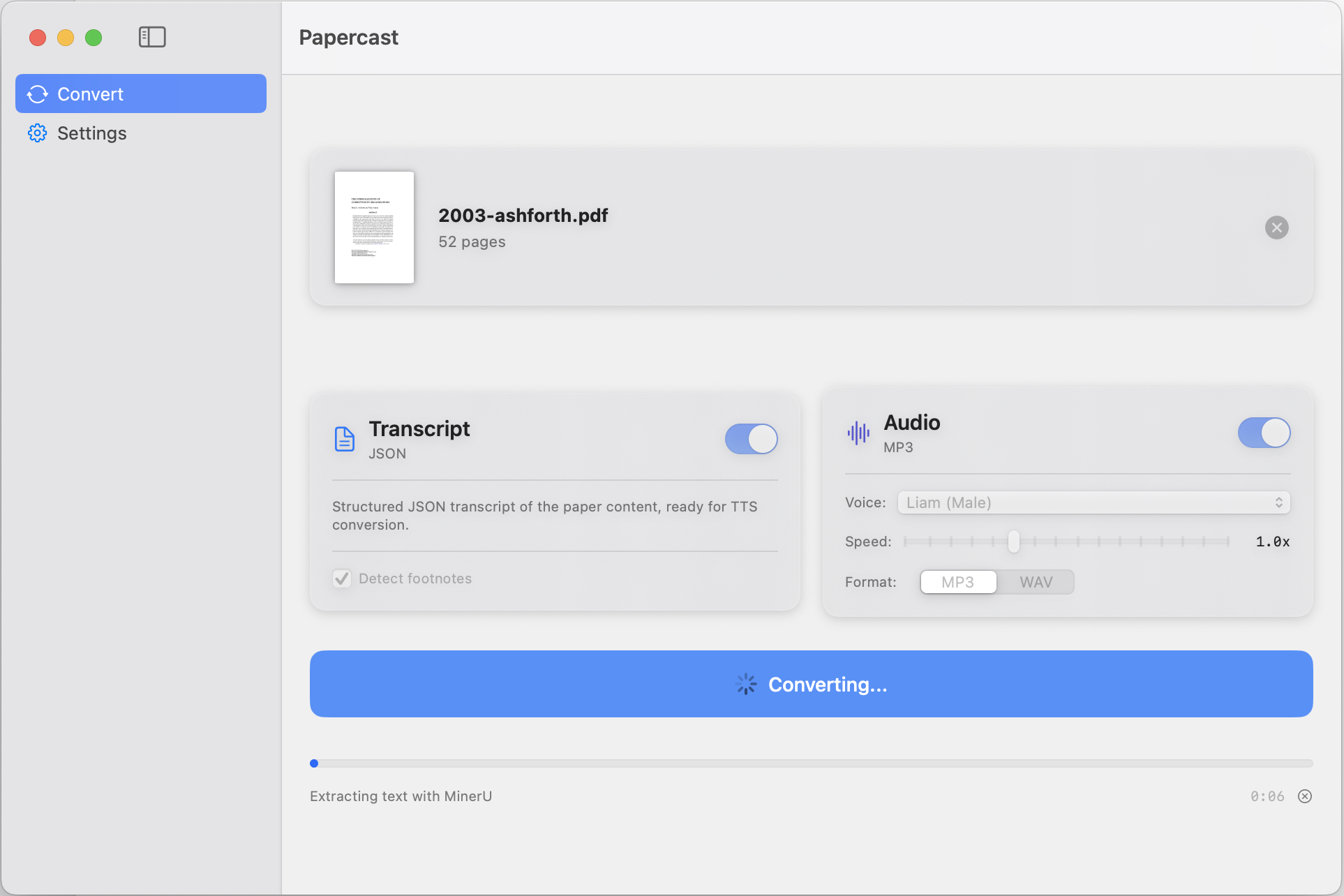
Powerful Features
Everything you need to turn research papers into listenable audio.
AI-Powered PDF Parsing
Google Gemini natively reads your PDF and extracts text from complex academic layouts, tables, and figures.
Footnote Detection
Footnotes are detected and inlined automatically. Figures and tables are converted to audio descriptions.
Gemini Extraction
Gemini extracts and structures content in a single pass for natural, audio-friendly output.
11 TTS Voices
Choose from 11 natural-sounding voices — male and female — for the perfect listening experience.
MP3 & WAV Export
Export your audio in MP3 or WAV format. Perfect for listening on any device.
Speed Control
Adjust playback speed from 0.5x to 2.0x. Listen at the pace that works for you.
How It Works
Three simple steps to transform any paper into audio.
Drop Your PDF
Drag and drop any academic PDF into Papercast. It handles complex layouts, tables, and equations.
AI Processes Content
Gemini reads the PDF natively and extracts structured, audio-friendly text in a single pass.
Listen & Export
Listen with your preferred voice and speed, then export as MP3 or WAV for on-the-go listening.
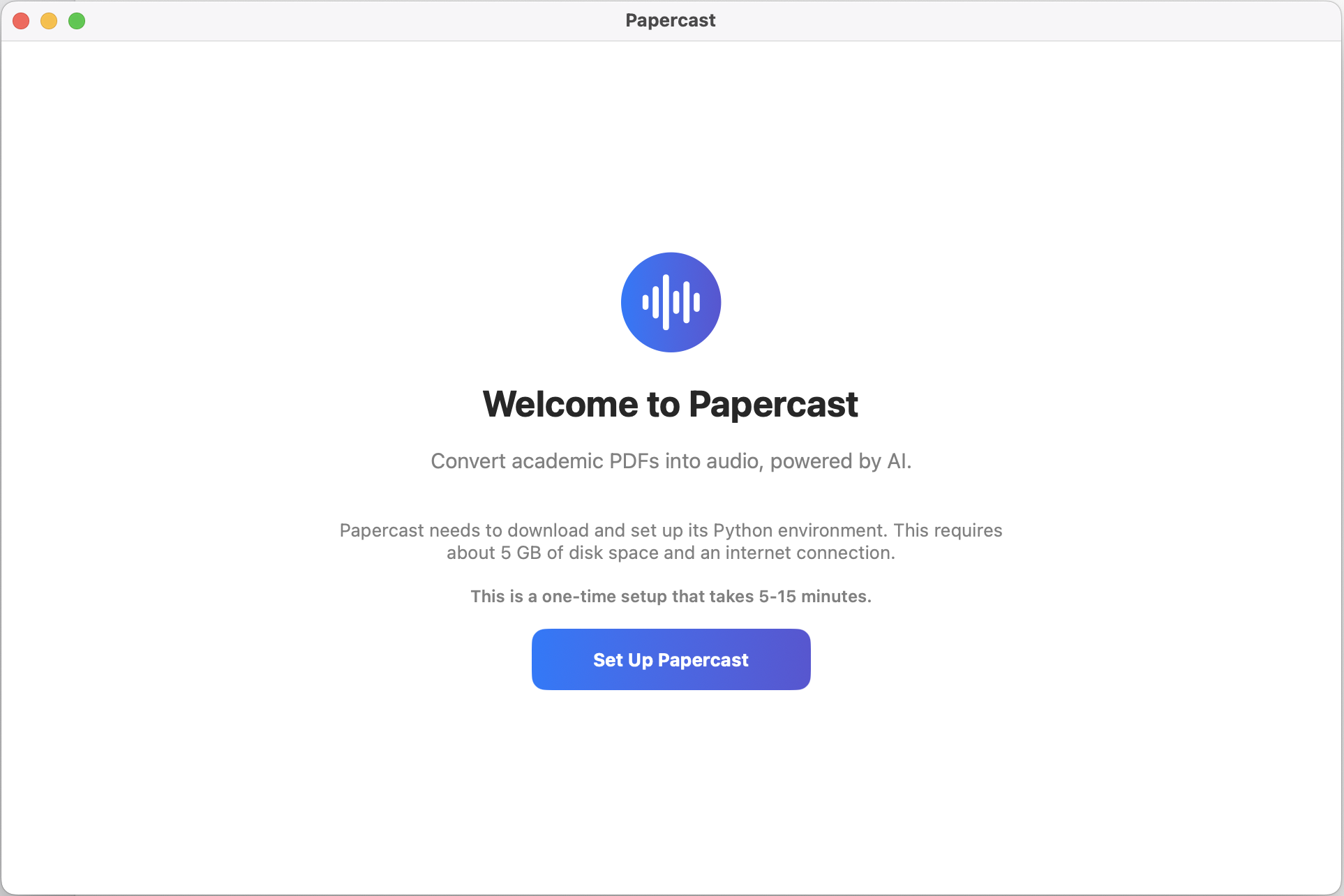
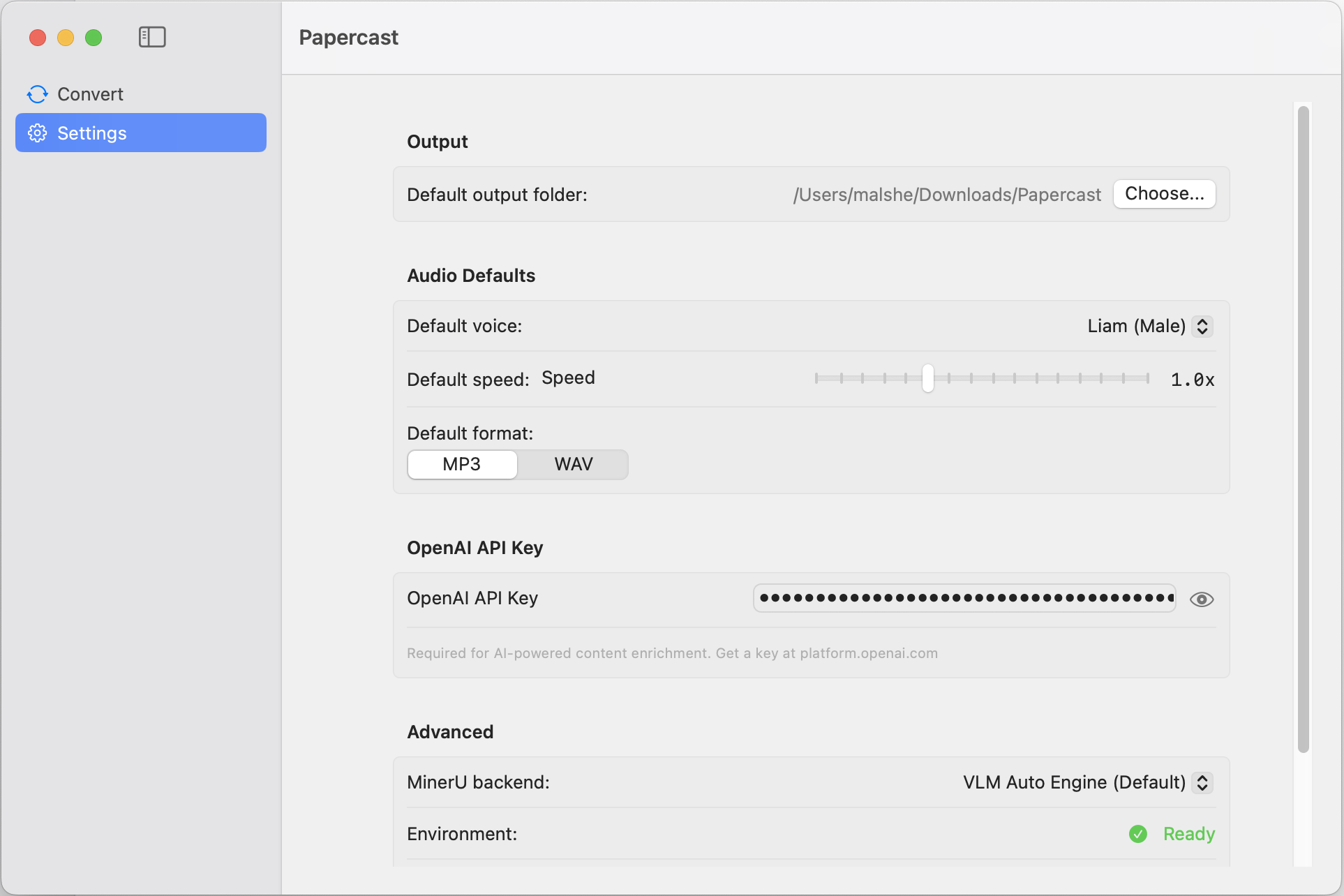
See It in Action
Now Coming to iPhone
Everything you love about Papercast, reimagined for listening on the go.
Zotero Import
Bring in papers straight from your Zotero library — personal and group libraries, with the full collection hierarchy.
Plays Like a Podcast
Continuous playback with playlists, an autoplay queue, and an Up Next line — papers play one after another.
Progress You Can Trust
Per-paper listening progress and Played states, so you always know where you left off.
Offline & Exportable
Download audio for offline listening, or export an entire paper as one audio file in a single tap.
Your Own AI Key
Extract text with your own OpenAI or Google Gemini key. Apple's on-device voices are free and work offline, or choose OpenAI's neural voices.
iCloud Sync
Optional iCloud sync keeps your papers and progress in step with the Mac app.
Start Listening to Research
Download Papercast for Mac today — the iPhone app is coming soon to the App Store.
Requires macOS 14+ with Apple Silicon (M1/M2/M3/M4/M5)